Unity to Godot Exporter Pro
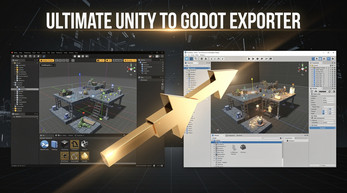
Export your Unity scenes to Godot 4 in minutes — including meshes, materials, UI, audio, physics, lights, and cameras.
🎥 Demo
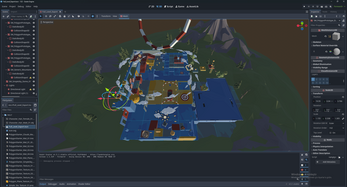
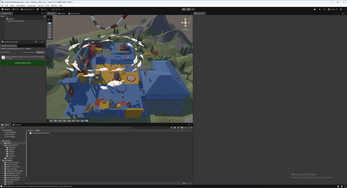
🖼️ Screenshots
✅ Features
- Exports Unity scenes to Godot 4 `.tscn` format
- Supports Meshes, Materials, Textures, Lights, Cameras, Reflection Probes
- UI conversion: Canvas, Image, Text, Button → Godot Control nodes
- AudioSource → AudioStreamPlayer3D
- Physics: BoxCollider, SphereCollider, MeshCollider → StaticBody3D
- ParticleSystem → CPUParticles3D
- Environment: Ambient light, fog, background color → WorldEnvironment
- Preserves hierarchy, transforms, tags, layers
⚠️ Limitations
- Scripts are not exported
- Animations are not supported
- Designed for scene migration, not full project conversion
📦 How to Install
- Download the Unity package from the Unity Asset Store or itch.io
- Import it into your Unity project
- Open the exporter via
Tools → Godot Exporter Pro
- Select your GameObjects and choose an export folder
- Click EXPORT SELECTION
- Open the exported `.tscn` file in Godot 4
📩 Support
Email: mindmixshorts1@gmail.com
itch.io: purocode.itch.io
© PuroCode. Unity is a trademark of Unity Technologies. Godot is a trademark of the Godot Engine contributors.